Modules switched on when you need them
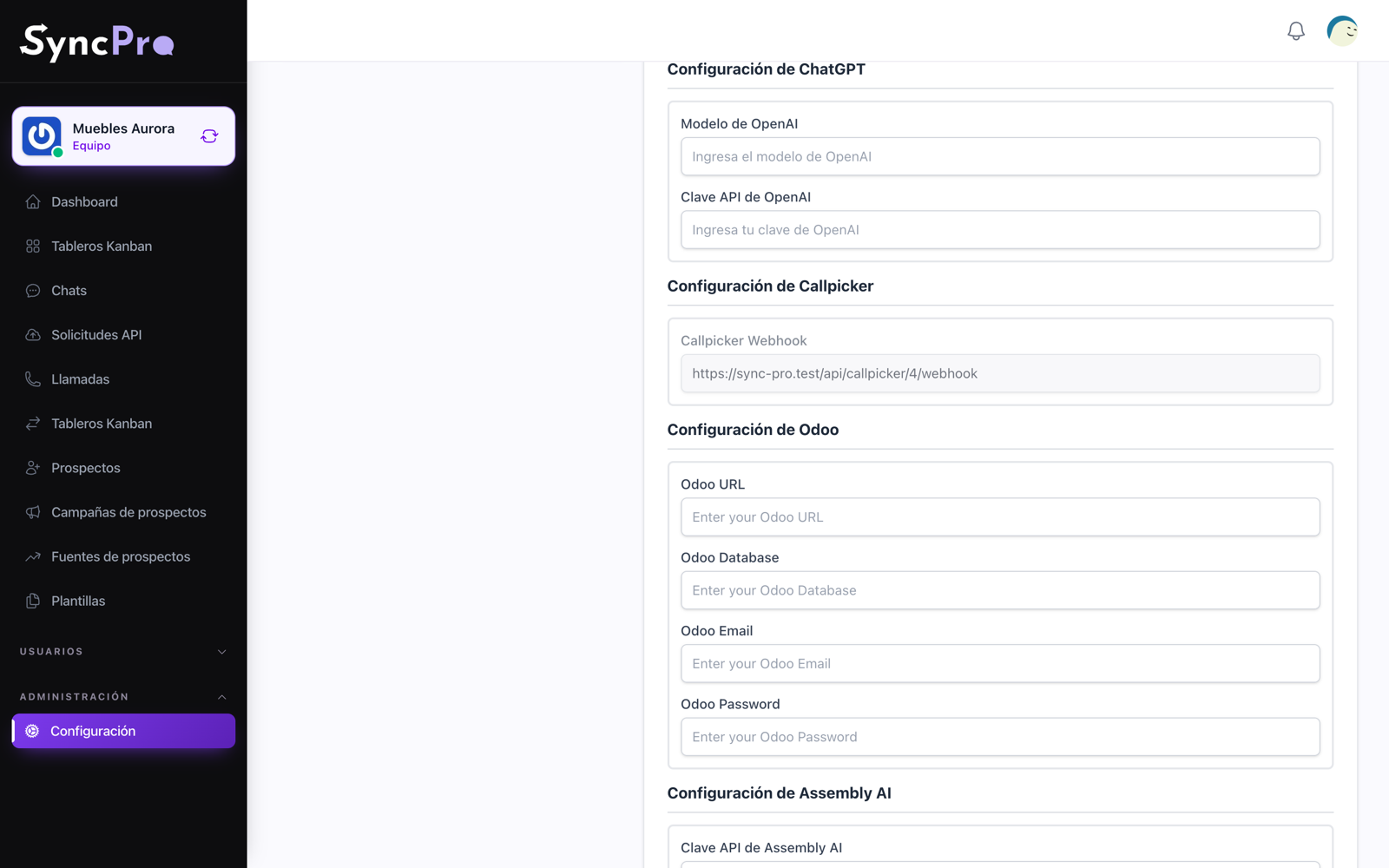
Sync Pro is built out of modules. A team has the ones it uses switched on and configures them with its own keys, and everything it does not use stays out of the way.
Your Odoo customers, when the phone rings
When a call comes in from a number Sync Pro does not know, it asks your Odoo who that is, and the contact is created with their real name and their numbers instead of a bare phone. It reads, it never writes.
How to connect Odoo →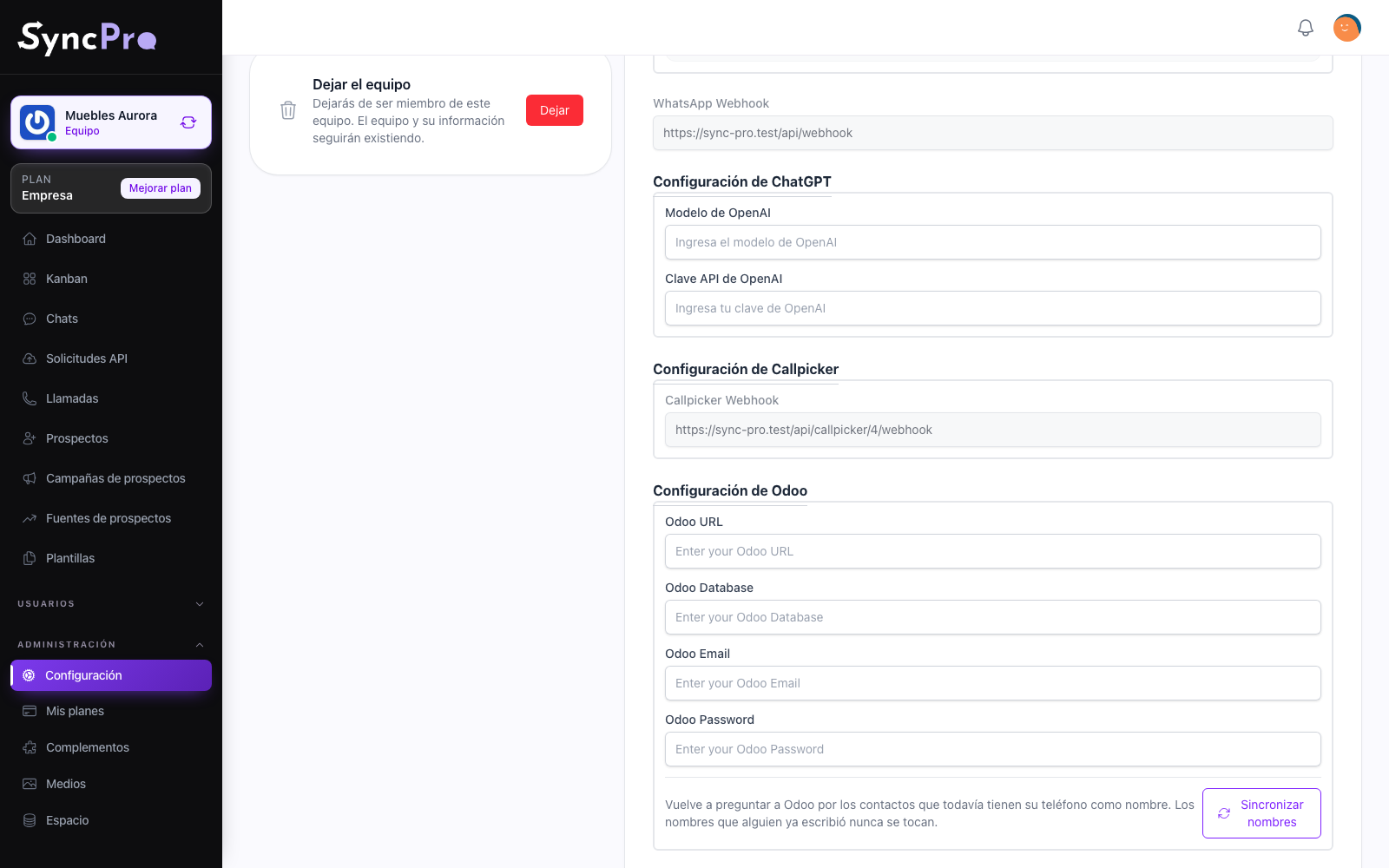
A model that drafts the reply
Connect your own OpenAI key and give each person their own instructions, so one colleague answers like support and another like sales on the same number. A draft is still a draft: it goes out when a person sends it.
How to connect ChatGPT →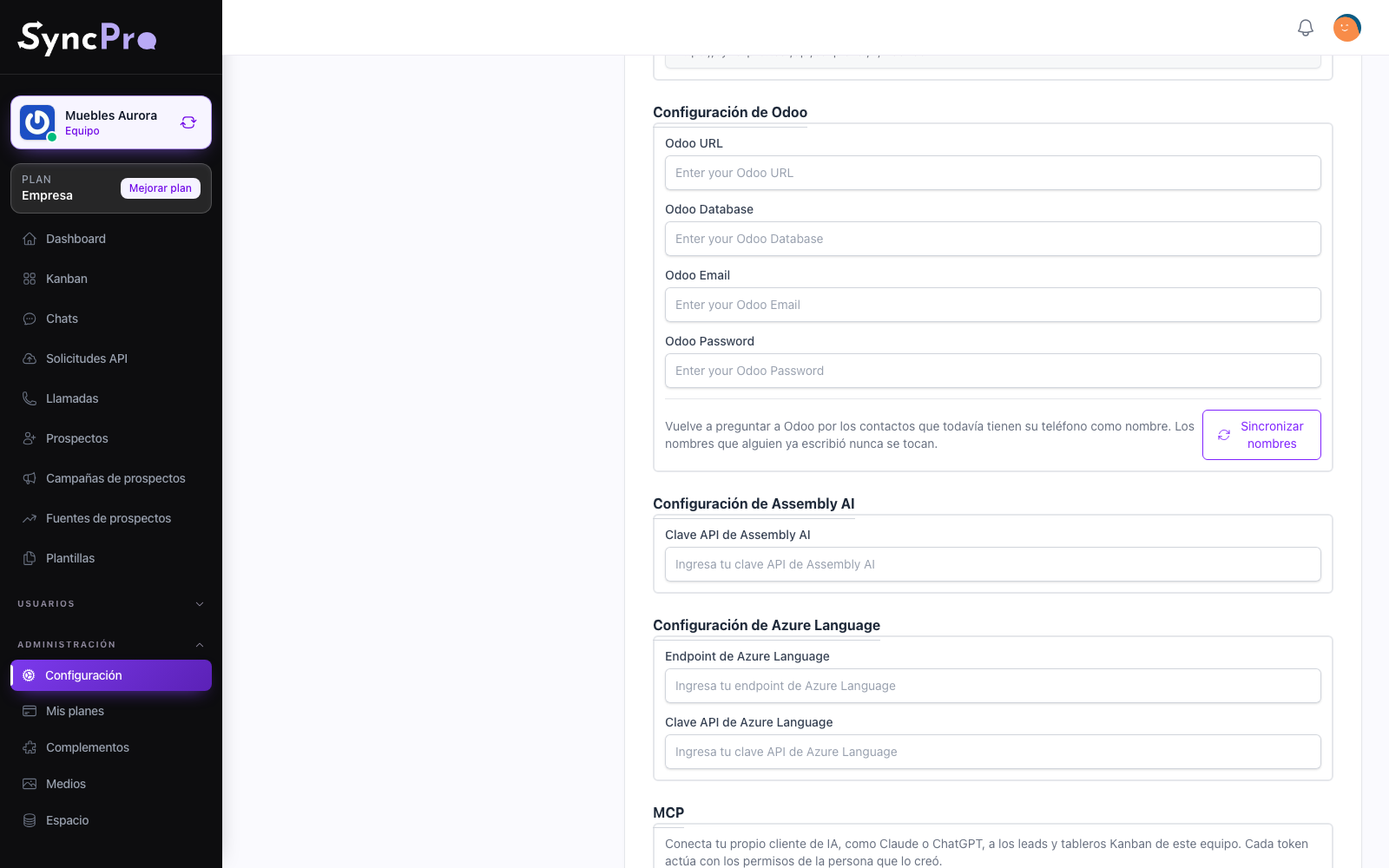
Your keys, your accounts
Every integration is configured with credentials that belong to you: your Meta app, your Odoo user, your OpenAI, Assembly AI and Azure keys. What they cost is billed to you, and what they can reach is what you gave them.
Nothing arrives without being recorded
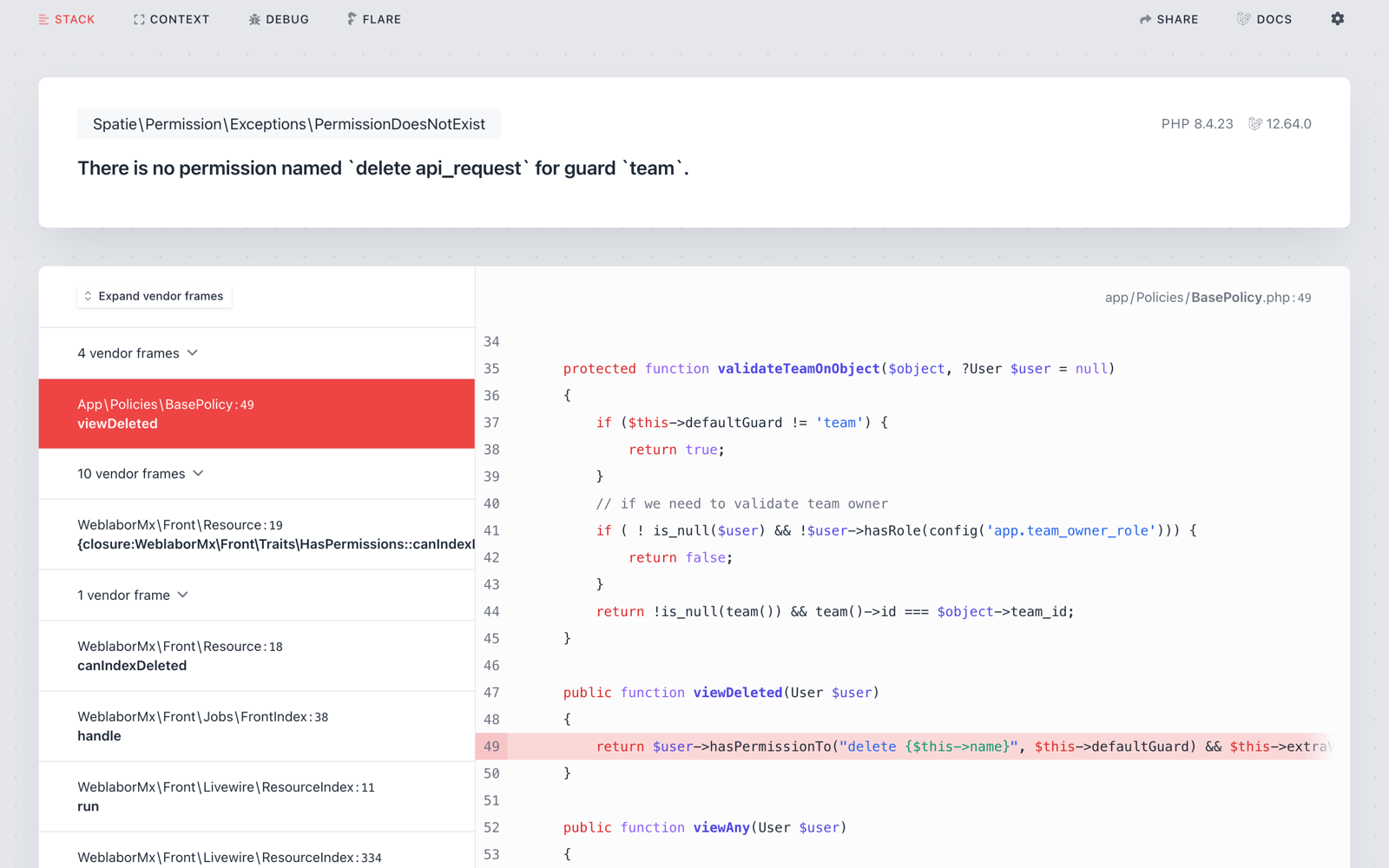
Every webhook that reaches Sync Pro is stored exactly as it arrived, so when something does not land you can see whether it ever came in, and run it again once the configuration is fixed.
How the requests log works →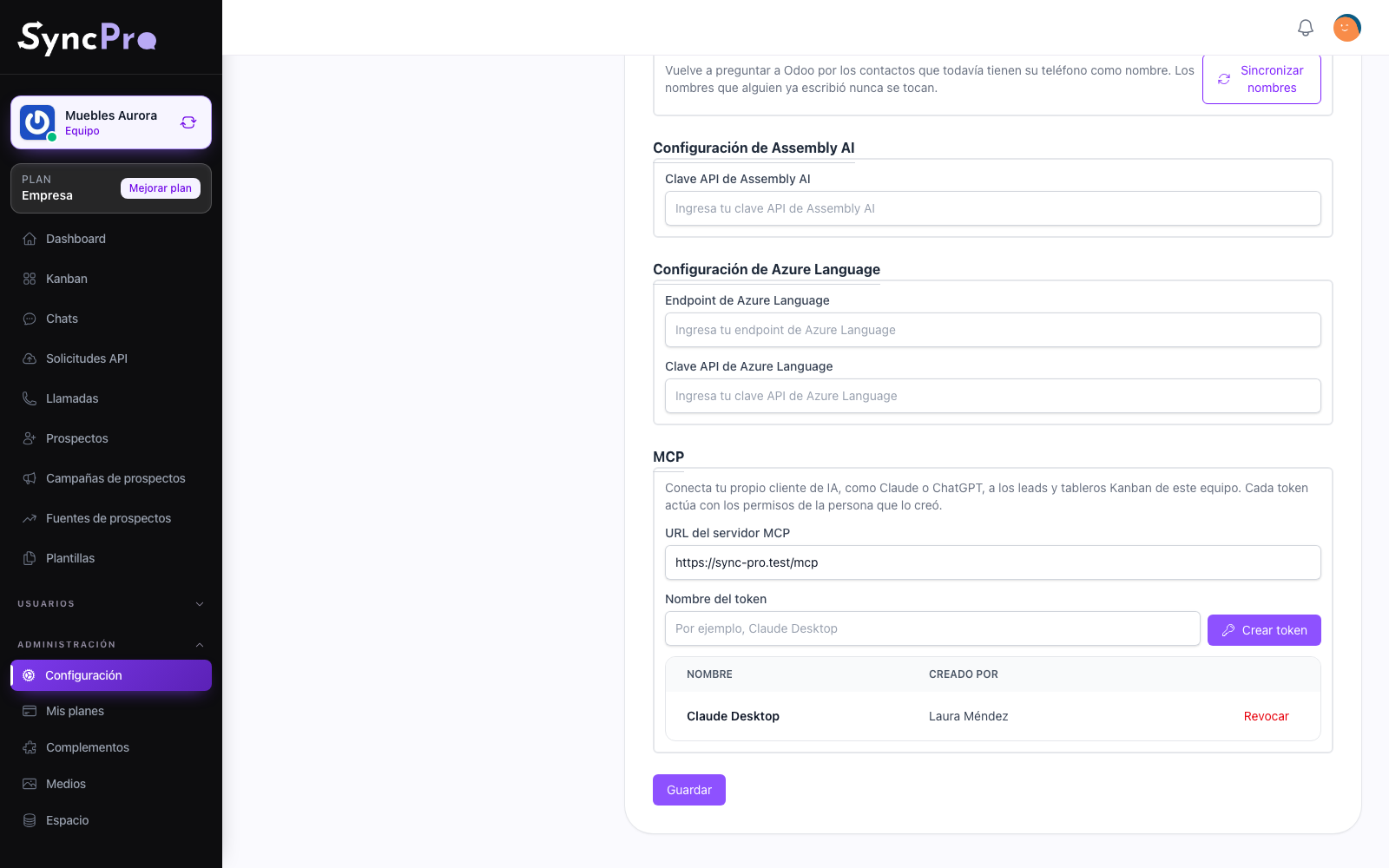
Your AI assistant, working with your leads
Connect Claude, ChatGPT or another AI assistant through MCP with a token of your team. It reads your leads, boards, conversations, calls and templates, and creates, edits and moves leads when you ask it in your own words. It acts only as far as the person who created the token is allowed to, and the token can be revoked at any time. The connection is included in Company and Enterprise, and on every other plan it is a free add-on. It does not include your AI assistant's account, credits or usage, which its provider bills to you.
How to connect your AI assistant →