Reach people, not just answer them
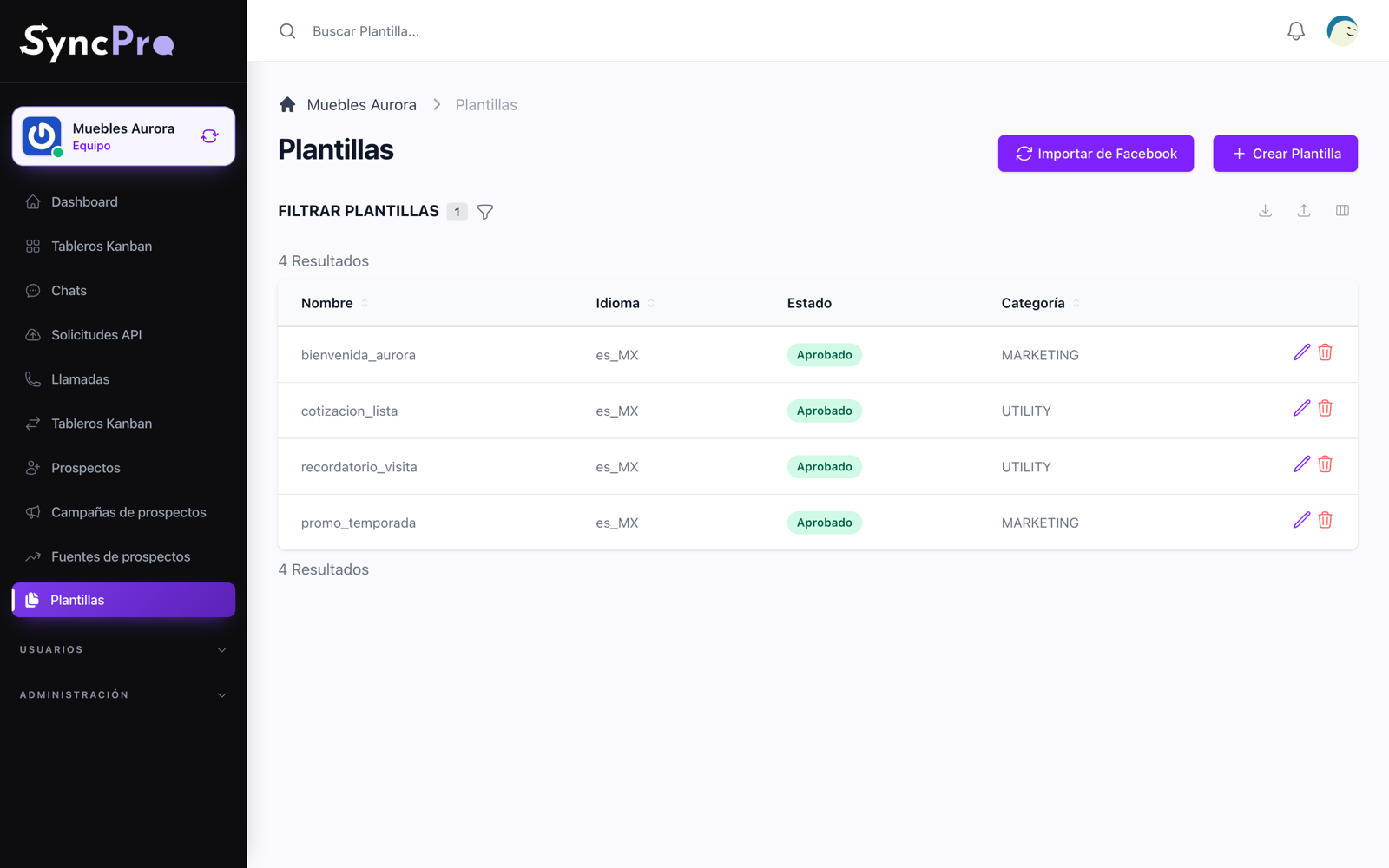
Approved templates are what let you write first. Import the ones Meta already approved, fill their variables, and send them to one person or to a whole step of a funnel.
Bring in what Meta already approved
If your WhatsApp Business account already has approved templates, you do not retype them. They are imported with their text and their status, and you see what will be created before anything is saved.
How templates work →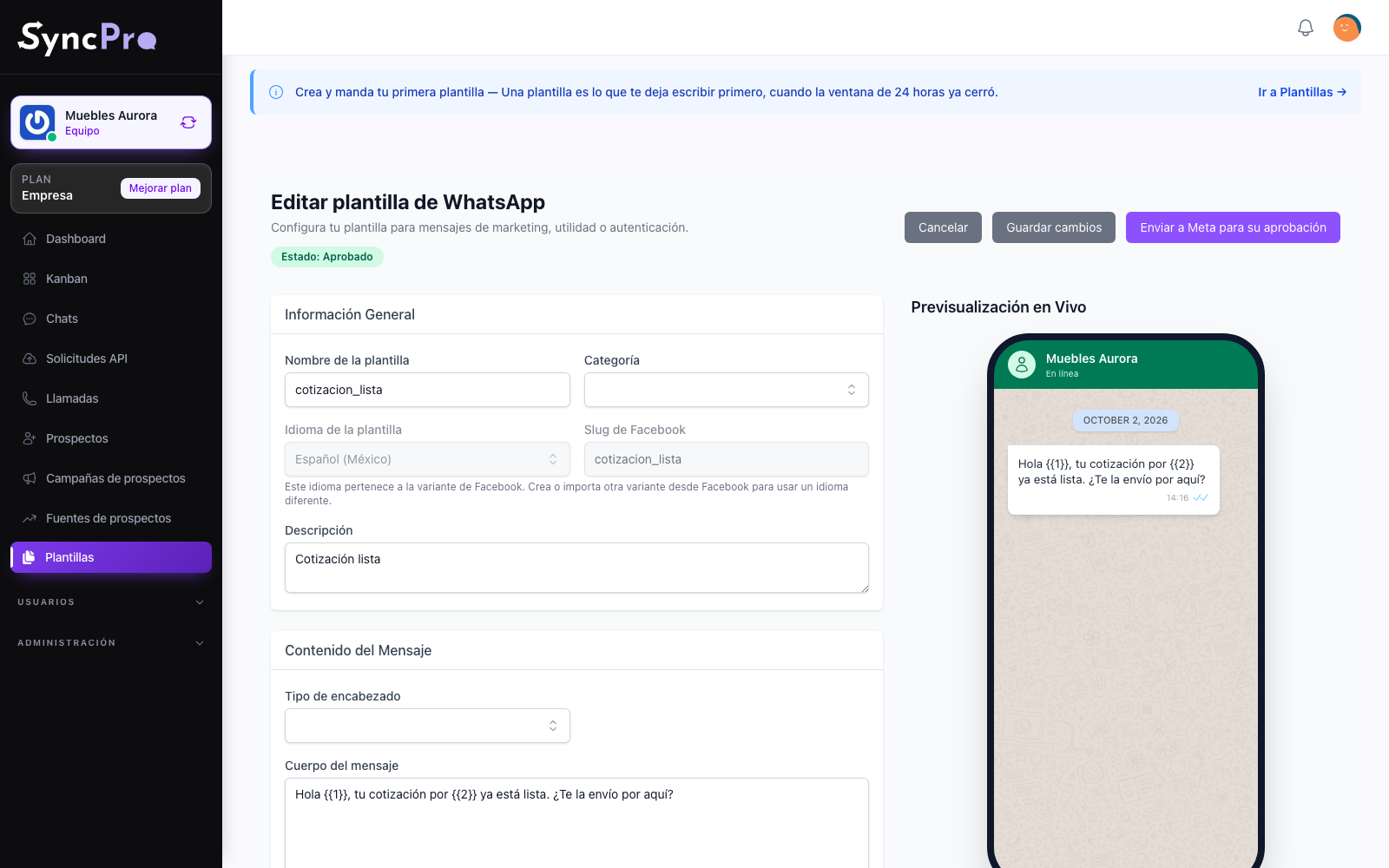
Variables filled for you
A template with a name, a date or an amount in it carries variables. Declare once where each one is filled from, and whoever sends the template stops retyping the same values.
How to build a template →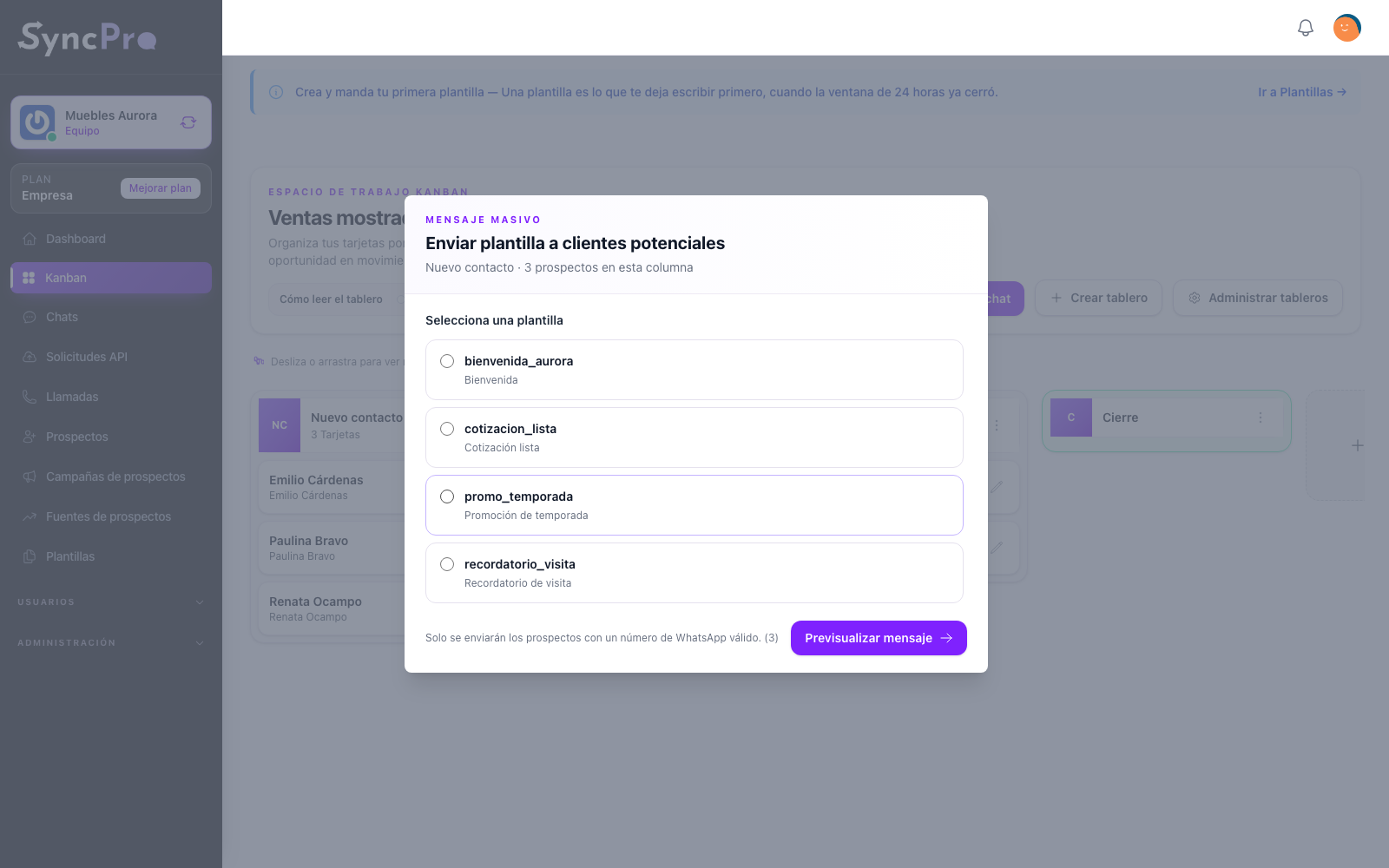
To one person, or to an entire step
Send a template inside a conversation to reopen a window that closed, or send it to everyone sitting in one column of a funnel. The same message, the reach you decide.
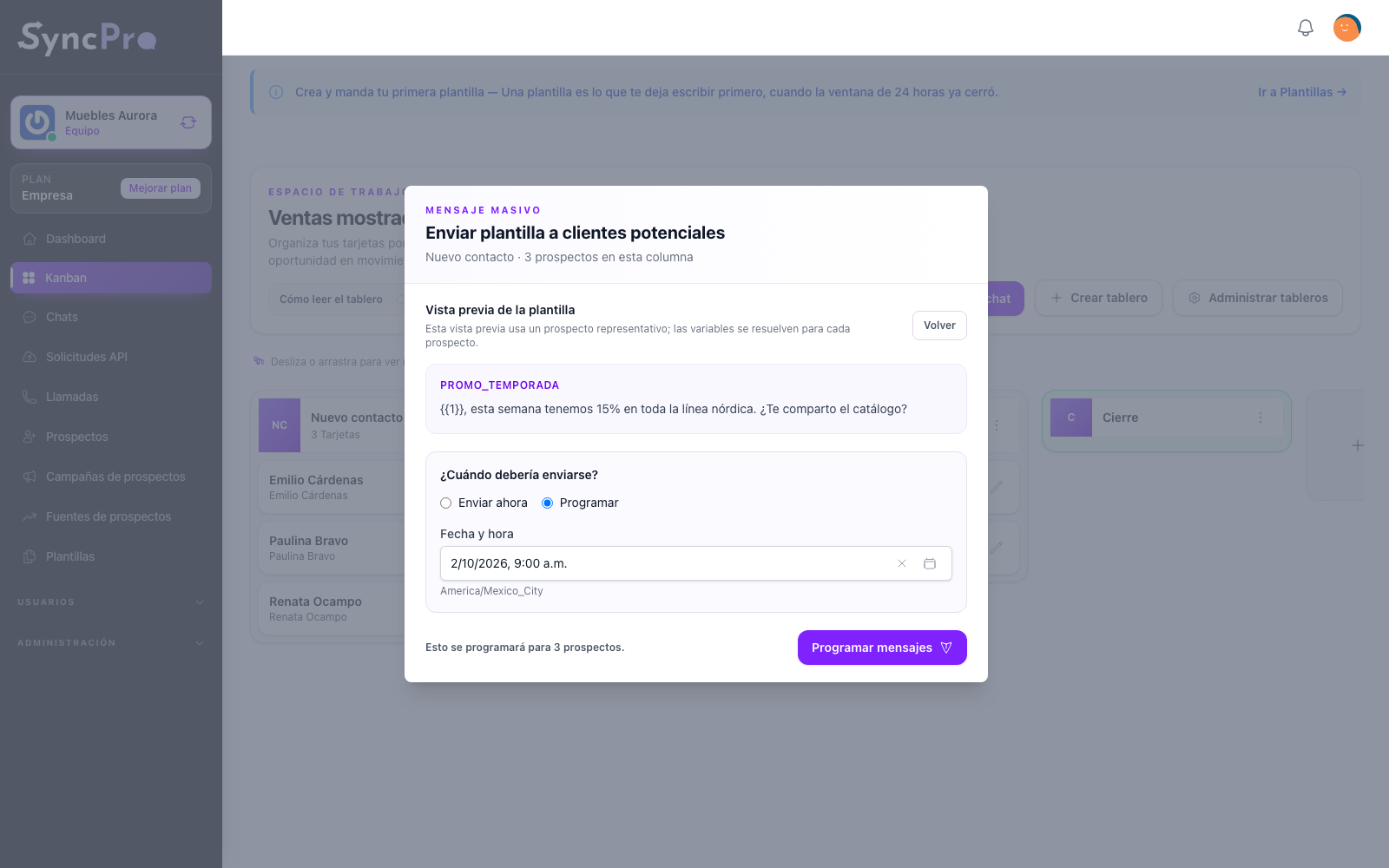
Scheduled for when it makes sense
A template can be scheduled like any other message, and cancelled while it is still pending.
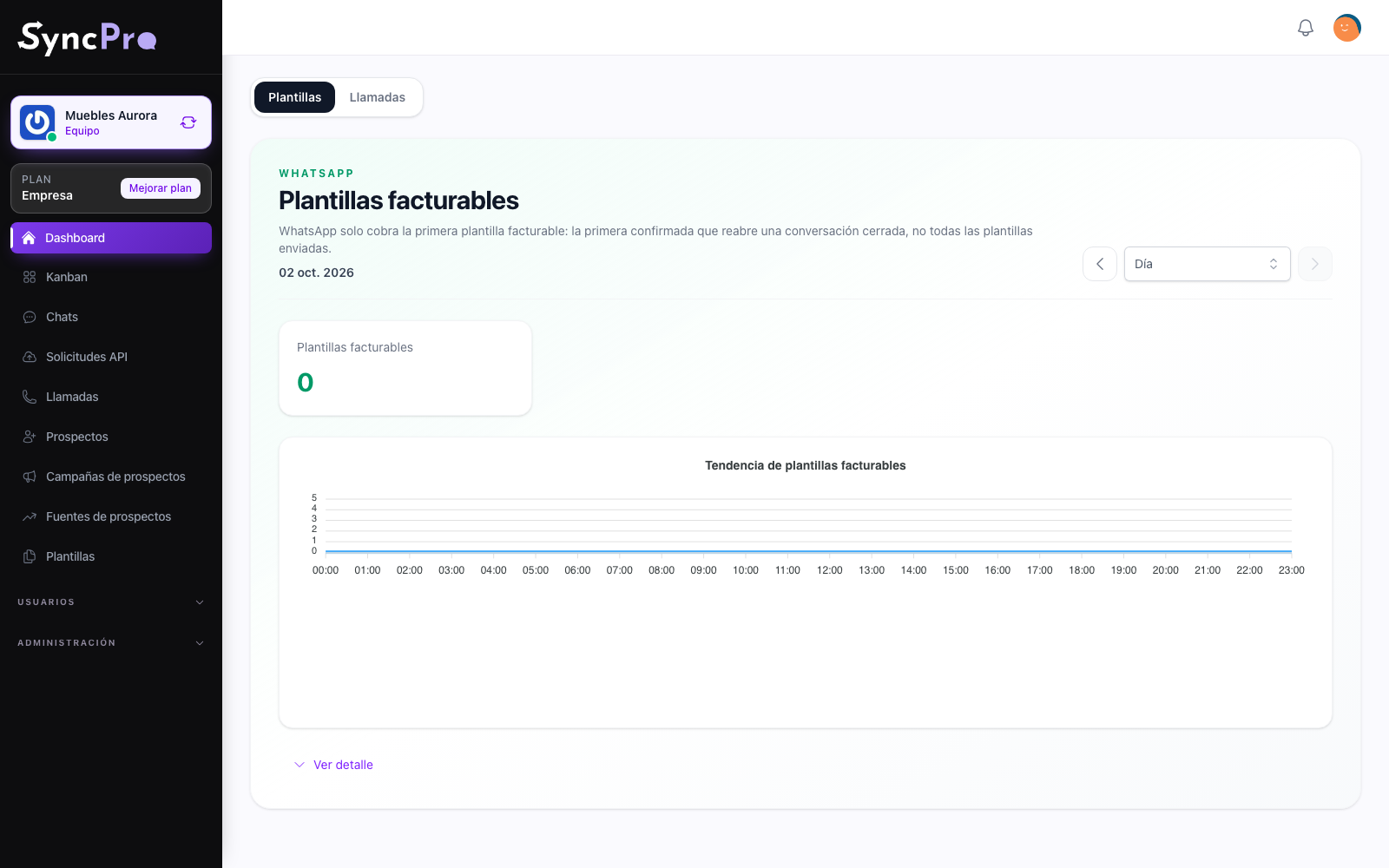
Know which templates you pay for, and who sent them
WhatsApp only charges the template that reopens a closed conversation. Your dashboard counts exactly those, day by day or month by month, and one click shows how many each person on your team sent, with automatic sends in a row of their own. What Meta charges for them is paid by you to Meta: it is not part of your Sync Pro plan.
Read your dashboard →